Printer Repair in the Coachella Valley
A printer that will not print is one of the few office problems that stops work completely. There is no workaround,
no other way to get the invoice signed or the shipping label out, and the machine itself gives almost no useful
information about what is wrong.
Desert Computer Agents services printers for homes and businesses across the valley,
on site and remotely. If you would rather skip the diagnosis, call
(760) 760-4096
and we will work out what is wrong with you over the phone.
Try These Three Things First
A large share of the calls we take turn out to be one of these, and all three are worth ruling out before anyone
comes to look at the machine.
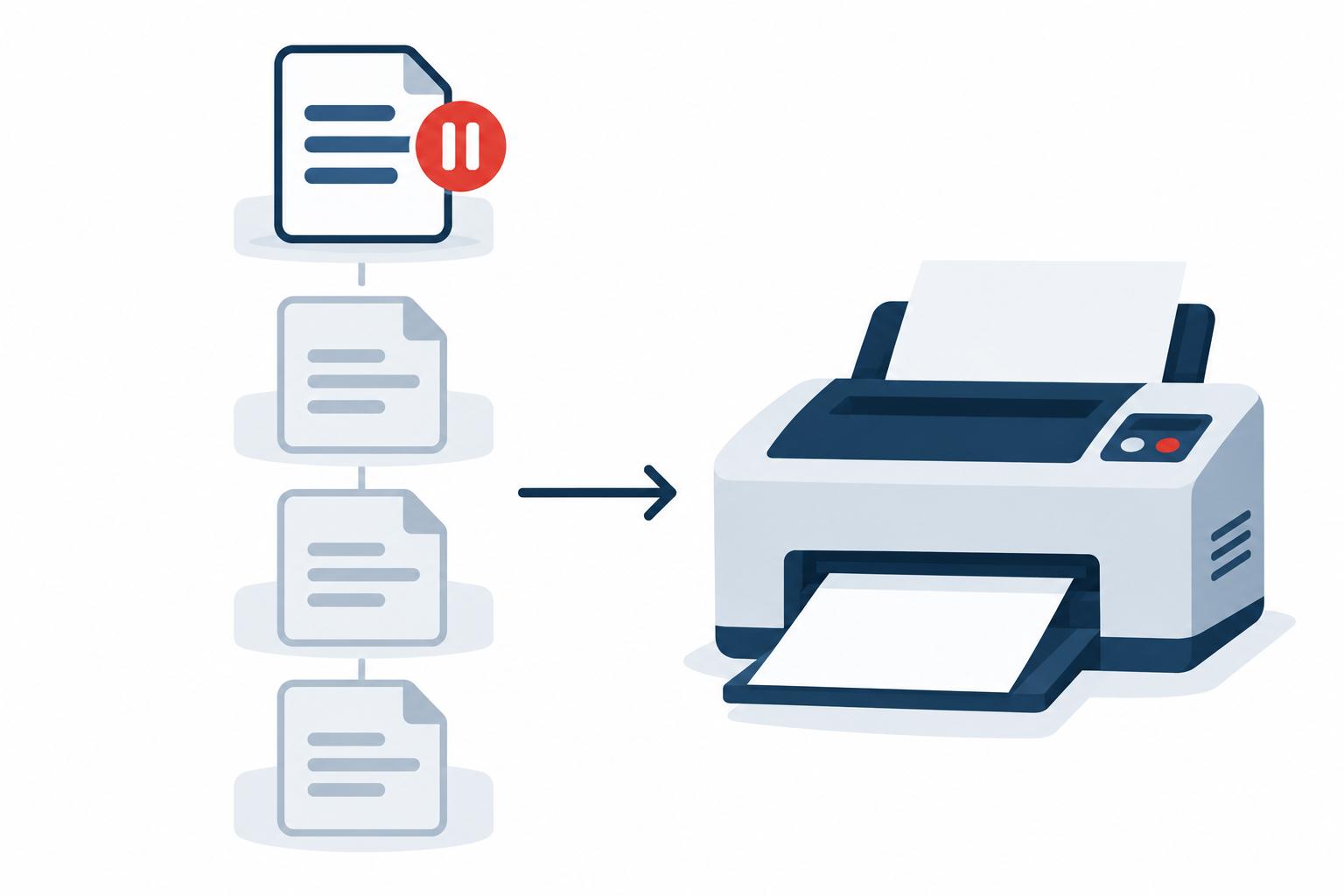
Clear the print queue. When a job fails it usually stays at the front of the line and blocks
everything behind it. On Windows, open Settings, go to Bluetooth & devices, then Printers & scanners, select
your printer, and choose Open print queue. Cancel every job listed, including ones you no longer need, then print
again.
Confirm it is actually connected. A printer showing as Offline has usually not broken, it has lost
track of your computer. For USB, unplug the cable at both ends and reconnect. For wireless, check it is still on the
same network your computer is using — printers often drop off after a power outage or a router restart.
Look at the cartridge rather than the indicator. Some printers warn about low supplies hundreds of
pages early, and some stop working while still reporting ink left. Open the machine and look.
If all three check out, the printer is telling you something more specific and the symptom is worth reading.
What the Page Is Telling You

Print defects are useful, because each one points at a different part of the machine — and more importantly,
tells you whether you are looking at a supply problem you can fix or a hardware failure you cannot.
- Faded or uneven output on a laser printer usually means the toner is low or has settled
unevenly. Take the cartridge out, hold it level, and rock it gently side to side. That often buys another few
hundred pages.
- Streaks or missing colors on an inkjet normally means a partially clogged printhead rather than
an empty cartridge. Run the cleaning utility in the printer software, then print a test page. Stop after two or
three cycles — each one uses a noticeable amount of ink.
- Toner that smudges or rubs off when you touch the page was never fused to the paper. The fuser
bonds toner with heat, and this means it has failed. That is a hardware repair.
- A repeated faint ghost of an earlier image further down the page points to a worn drum.
- The same vertical line in the same place on every page means something along the paper path is
scratched or contaminated.
- Random smudges in different spots each time is the better version of that — usually loose
toner or paper dust, and often fixed by a careful cleaning.
Garbled pages of random characters are a driver problem rather than a hardware one. Cancel everything in the queue
first, then remove the printer from your computer and reinstall it using the driver from the manufacturer's site
instead of a generic one.
Frequent jams usually come down to damp or curled paper, paper guides that are not set snugly against the stack, or
pickup rollers worn smooth enough to grab two sheets at once. When clearing a jam, pull the sheet the direction it
was already travelling and pull steadily — tearing it leaves fragments behind, and those cause the next
jam.
Inkjet or Laser? It Changes the Answer
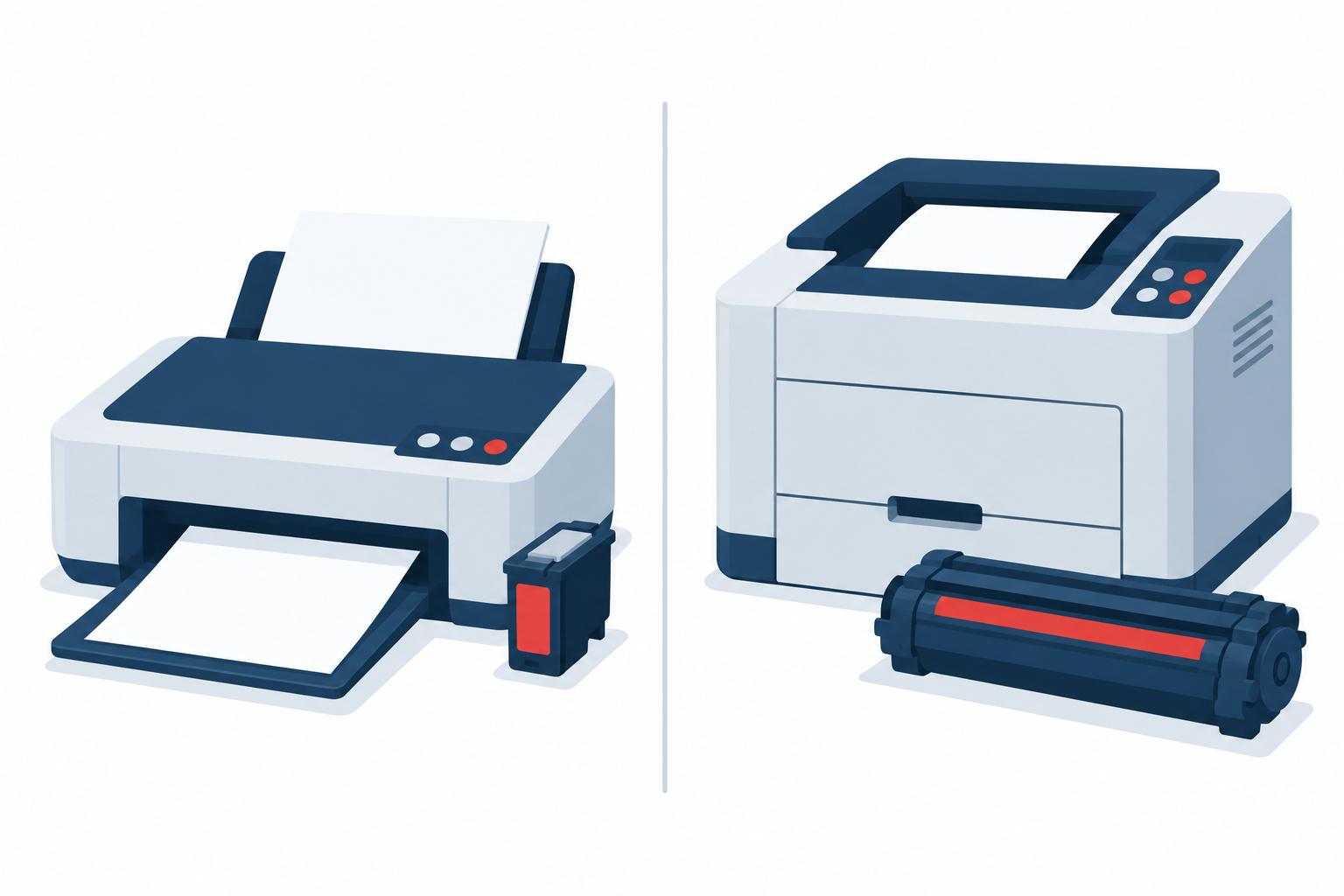
Before spending anything on a repair, it is worth knowing which kind of machine you own, because the two have very
different economics and the right decision is rarely the same for both.
Inkjets are cheap to buy and expensive to run. They spray liquid ink through very fine nozzles,
which means they clog if they sit unused — a real consideration in a seasonal home that is empty for months.
In our experience most consumer inkjets give one to three years of service, and a great many of them are effectively
disposable: the cartridges for a second refill can cost more than the printer did.
Laser printers cost more up front and far less per page. They fuse powdered toner with heat, so
there is nothing to dry out between uses, and toner sitting in a cartridge for six months is no worse for it. A
decent laser machine will commonly run anywhere from three to fifteen years, and the ones at the longer end are
usually office-grade models that were specified properly to begin with.
The practical upshot: if you print rarely, an inkjet that clogs every season is the wrong machine, not a broken one.
If you print in any volume, a laser will cost less to own within the first year or two.
Repair or Replace?
This is usually a math question rather than a technical one, and it is the thing most people call us about.
The test we apply is straightforward. Add up the repair, including parts, and compare it against a replacement that
would actually suit how you print. If the repair comes to a meaningful fraction of a new machine, and the printer is
already toward the end of the range above, replacing it is normally the better value — not because the repair
will fail, but because the next failure is not far behind.
Where repair clearly wins is a well-specified office laser with a single failed component. Those machines are built
to be serviced, parts are available, and a fuser or roller kit on a printer with years left in it is money well
spent.
Where it clearly loses is a consumer inkjet with a mechanical fault. In most cases there is simply no repair to
make — manufacturers do not produce replacement parts for these machines, and nobody stocks what was never
made. Where a part can be sourced at all, the repair typically lands between $125 and $140 once labour is counted,
which is at or above the price of a new printer.
That is the whole answer for most inkjets, and knowing it is worth more than any repair. If yours is a few years old
and something mechanical has gone, you are almost certainly buying a new one — and the useful conversation is
which one, not how to fix this one.
We will give you that answer over the phone, free, before anyone books a visit.
What We Handle
Most of our printer work is software, network configuration and advice rather than opening the machine up. That is
deliberate. The majority of printer problems are not mechanical, and a fair number of the mechanical ones are not
worth fixing — so the service that actually saves people money is working out which situation they are in
before anyone spends anything.
- Printers that will not print, print blank, or print garbled
- Driver conflicts and reinstallation
- Network printers that keep dropping offline, including giving them a permanent address so it stops happening
- Setting up a new printer and getting it onto your network properly the first time
- Shared printer setup across an office, including access and scan-to-email
- Print quality faults — streaking, fading, ghosting, smudging
- Looking over a failing machine and giving you a plan of action, including what a repair would realistically
cost and whether it is worth doing
- Sourcing and swapping parts on machines where the economics make sense
- Specifying and installing a replacement that fits how you actually print
When It Is Worth Calling
Most of what is above is genuinely worth trying yourself, and if one of those steps sorts it out then there is
nothing more to do. A few situations are different:
- Toner that will not fuse. This needs a replacement part, and the fuser runs hot enough that it
is not a component to open up casually.
- Grinding, clicking, or jams that continue after you have cleared the paper path and checked the
tray. Something mechanical is wearing, and running it further usually makes the repair bigger. What it
takes to put right varies enormously — the same noise can be a five-minute part swap or two hours of
disassembly — so the first thing worth establishing is which one you are facing, and whether it is worth
doing at all.
- An office printer that keeps falling off the network. Almost always an addressing problem
rather than a printer fault, and worth fixing properly once instead of reconnecting workstations every
month.
- Any case where you are about to spend real money and want a straight answer on whether the
machine is worth it first.
Related Services
Computer repair •
Computer support •
Computer repair in Palm Desert